


Dark Reader + Codeforces Christmas Theme sucks.
What is Dark Reader?
So, I tweaked the Theme file to make it work well, and here are the results:
[WITHOUT FIX] PROBLEMS 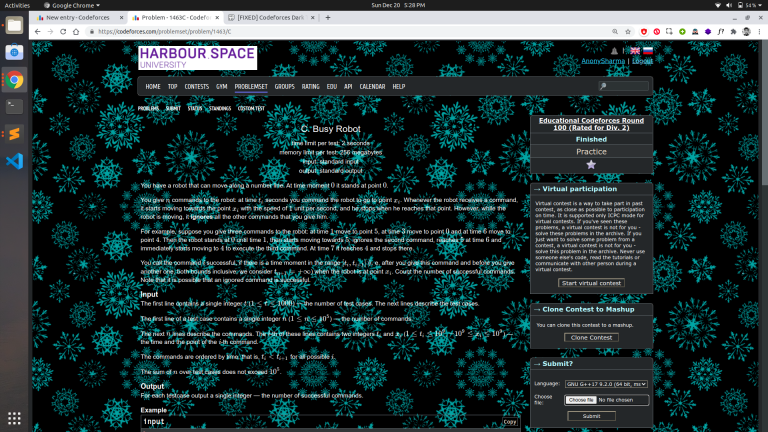
[FIXED] PROBLEMS 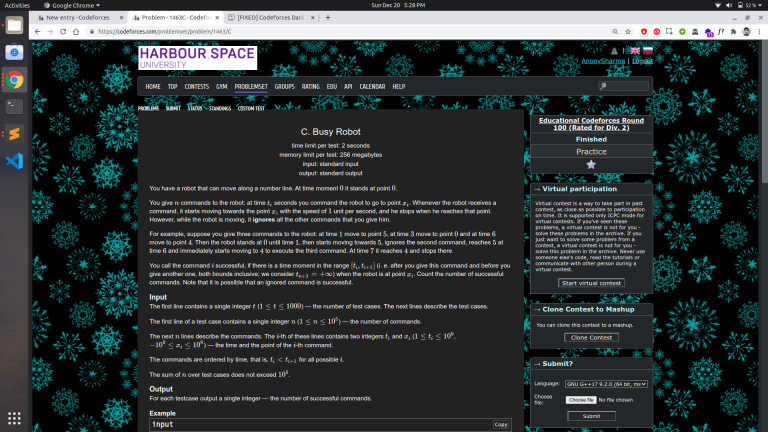
[WITHOUT FIX] BLOGS 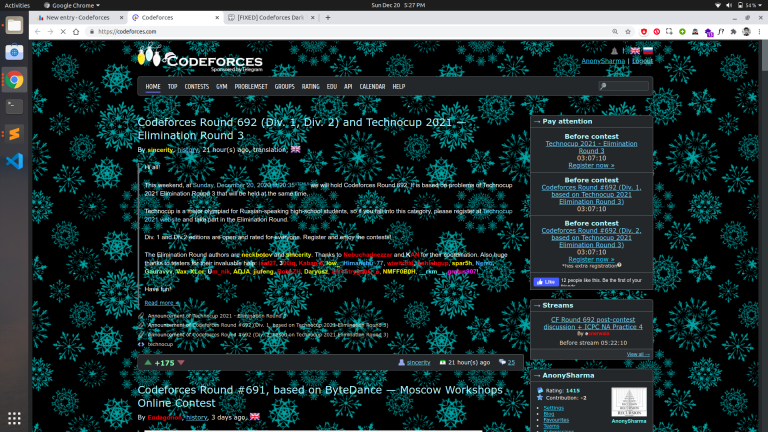
[FIXED] BLOGS 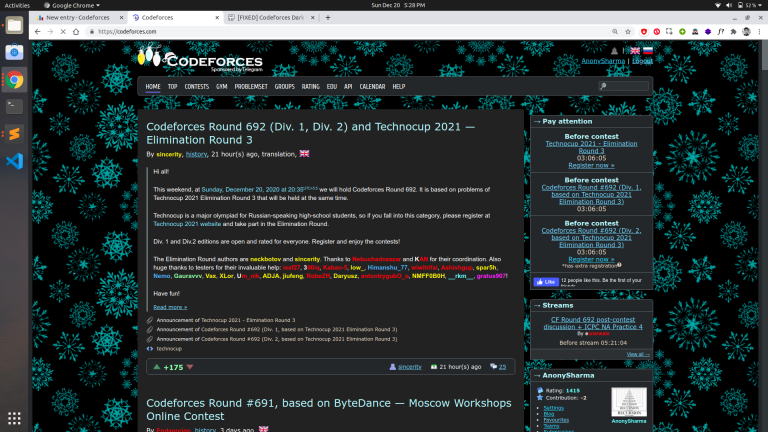
To get the same dark theme:
- First download the Dark Reader extenstion for your browser (Skip if already installed).
- Visit this website.
- Click on RAW and copy the code.
- Open the Dark Reader extension and click on the Dark option.
- Click on the Dev Tools option at the bottom, and replace the text in the text area with the copied code.
- Click APPLY and you're done.
Edit:
If you want to remove that snowflakes image too, then copy and paste the code from this website instead.
LIKE THIS 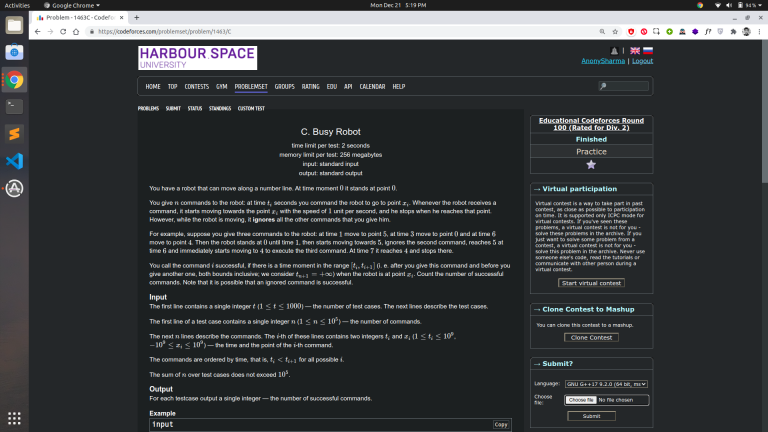
Enjoy the real dark mode!


Thank you so much! I hated winter holydays because of these snowflakes)
Dude, you just saved my eyes, can't thank you enough!
thank you so much !!! It's working pefect.
WOW!! Thanks a lot man. Its working awesome.^_^
It was such a great effort. Really appreciate it.
There's actually a much easier fix.
Click on the dark reader extension, it'll open the settings, go to "More" option, you will see Theme Generation Mode — which is probably set to Dynamic, just change it to "Filter" or "Filter+" (I personally use Filter+ because it utilizes GPU) and that's it. The snowflakes become much much dimmer and it's very easy to read stuff
I was using another plugin called "stylish" which ran
body{background-image: none;}on all sites, but this is better!!Owao, you're the only member of my fan club.
Yeah! this looks much easier, thanks for sharing.
Thanks. I just added style="background-image:none;" to the body tag using the inspect elements option. It worked but on refreshing the page everything sets back to default.
I used a extension called stylish and did same thing, it ran that code on all sites. But read demoralizer's comment its a better way atleast for me. comment
That's why we use Extensions like these, which automatically changes these styles whenever the page opens.
I am already using codeforces++ extension. It has some good features like, refreshing standings every second, sidebar action box, show tags button.
Can you provide some similar feature in this one or some other extension?
Because the dark theme you provided is tooo good.
I've no idea about these features, so can't say much. Anyways, thanks for sharing the extension.
You can also just increase 'contrast' and 'sepia' a bit.
Initially, I did the same, but still had issues while reading the problem statement. So, I had to do it this way. ;p
That was good effort!!
Thanks AnonySharma! much appreciated :)
It's Christmas.....and again, new dark reader users are here :)
I have a minor problem with this. It doesn't work when I open codeforces for the first time after restarting.' So is there any way to fix it?Thanks! UPD:Wrote a tampermonkey script to solve it.Link