


I’m still quite new to competitive programming. I practice problems on multiple platforms, and I often struggle to keep track of what I’ve solved, what I’ve skipped, and what I need to revise later.
During contests and regular practice, I usually end up with a few good problems that I want to revisit. However, after the contest, those problems often get buried in browser bookmarks or are forgotten completely, which makes revision difficult.
I also tried maintaining an Excel sheet, something that Vivek Gupta (acraider) suggested in one of his videos. While the idea itself makes sense, I found it hard to keep updating it regularly. Manually copying links, switching tabs, and filling in details after every problem felt time-consuming, and over time I simply stopped maintaining it consistently.
To reduce this friction, I ended up building a small Chrome extension .The main idea was to make problem tracking feel effortless, so I wouldn’t skip it after practice.
The primary focus of the extension is maintaining a personal revision sheet where problems can be added directly while practicing. Alongside this, there is a secondary feature that lets me bookmark unsolved problems to revisit later. It’s still a simple and evolving tool, but it directly addresses the issues I was facing.
How it works (brief)
- Add problems directly from the problem page
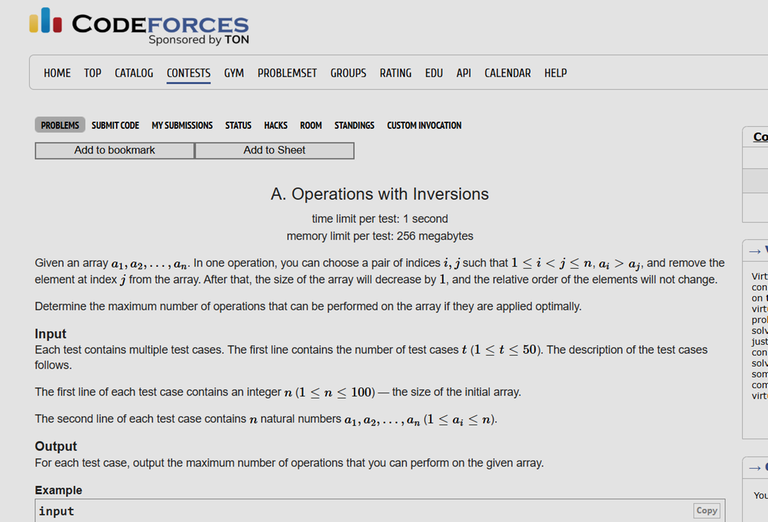
- Automatically saved to a personal revision sheet
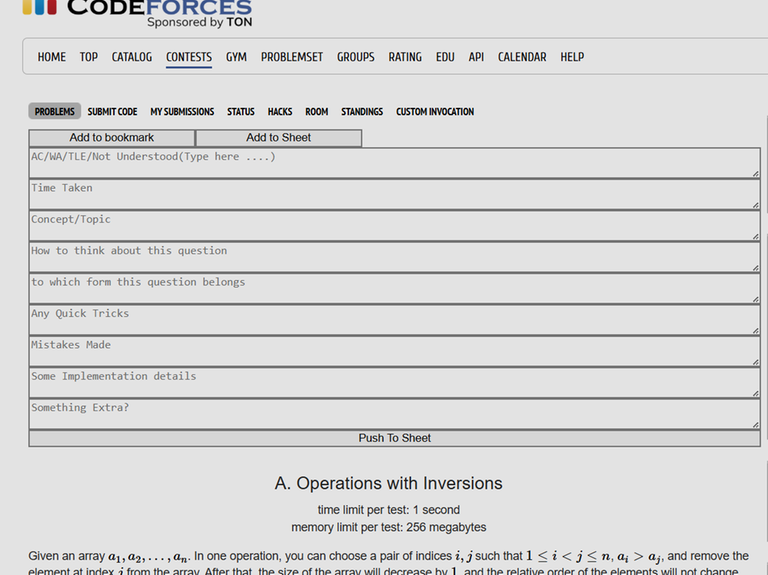
Works across multiple coding platforms
Optional bookmarking for unsolved Problems.
If anyone wants to know more or try it out, I’ve added the GitHub link. https://github.com/Eshan-dev/QueueOverflow


