


CodeForces contests run for short time and thus there's crunch of time to do well. This Browser Extension will help you in automatically copying the sample cases in your clipboard once you get to the problem page.
All scripts are running in background.
- Go to CFHelper
- Download these files in a folder named CFHelper.
- Open your Chrome Browser and go to chrome://extensions
- Click on Load Unpacked and open the CFHelper Folder.
- You are all set.
- Happy Coding !!
Make sure to make changes to your code to get number of test cases in your input and take care during submitting your code
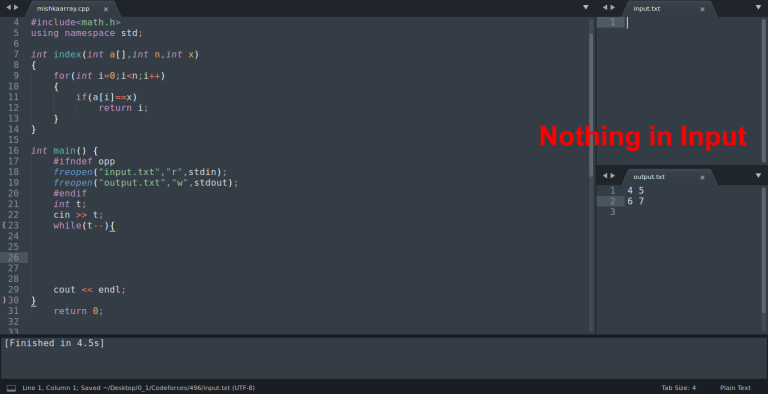


this is very useful. It usually takes a lot of time to individually copy all sample cases and test. Now I can test all sample cases at once.
I'm afraid there's not much practicality to this yet. The time you'd require to change your code to allow for testcases would in most cases far exceed the time required to copy the samples separately. Something like Hightail, on the other hand, is more suited for this.
No, you just need 3 lines.
If the file doesn't exist it uses standard input/output.
You would need to incorporate a loop for testcases