yalniz's blog

By yalniz, history, 2 months ago, In English

Assalamu Alaikum everyone, and Ramadan Kareem!

I was recently looking for a clean way to show off my Codeforces stats on my GitHub README. Since a lot of you guys are competitive programmers, probably some of you are too. I found a few existing widgets out there, but none of them were quite what I was looking for. There are some great ones for LeetCode, but not so much for Codeforces.

So, I decided to build my own. I originally just made this for fun, but I'm really happy with how it turned out.

Right now, it automatically generates:

  • A clean stats card (rating, rank, solved problems & top tags)
  • Your rating history graph
  • A quick profile badge
  • A bunch of different themes to match your profile's aesthetic

If you guys actually find this useful, I'm planning to keep adding more themes, and maybe even for AtCoder next.

If you like it, a star on the repo would mean a lot. Let me know if you have any feedback or feature requests!

Repo: https://github.com/Andrew-Velox/codeforces-stats

Full text and comments »

  • Vote: I like it
  • +15
  • Vote: I do not like it

By yalniz, history, 8 months ago, In English

Assalamualaikum, Greetins everyone!

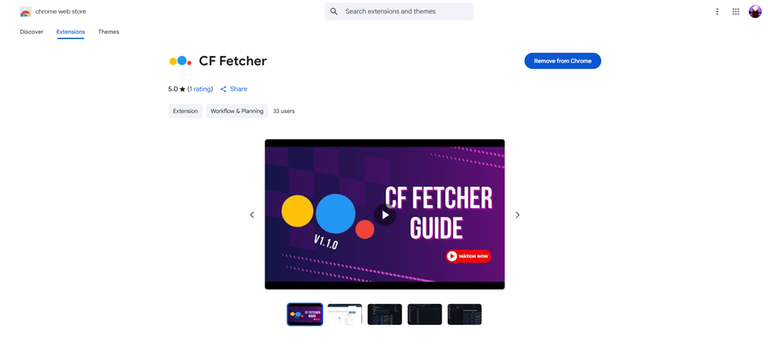
I recently built a Chrome extension called CF Fetcher that helps you keep a clean record of all your accepted Codeforces submissions.

At first, I made it just for myself using Python. But when some friends showed interest, I thought maybe others might find it useful too, so I turned it into a Chrome extension. The idea was inspired by a GitHub tool called Harwest, which hasn’t been working for me for a while, so I decided to build something similar.

How it works: The extension creates a ZIP file that contains:

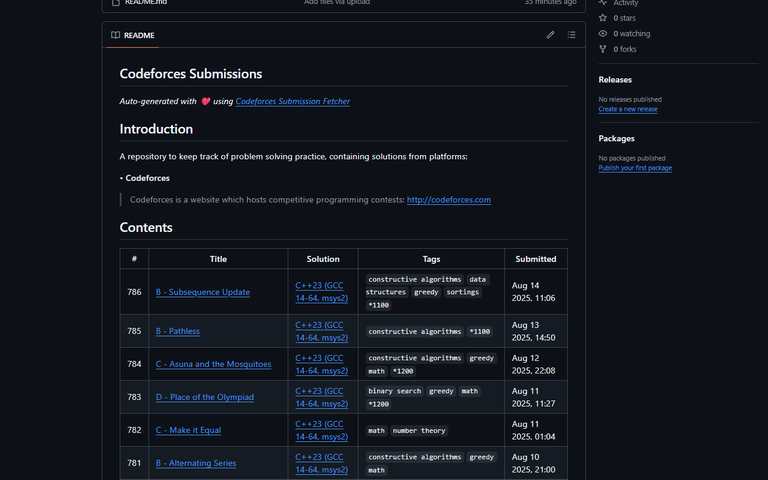
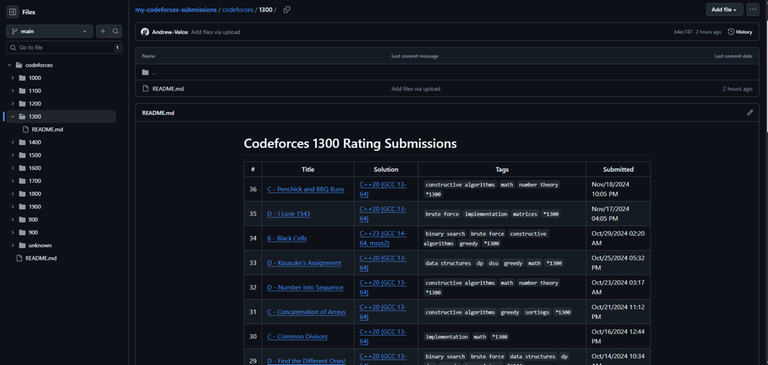
  • A main README file with all your accepted solutions.
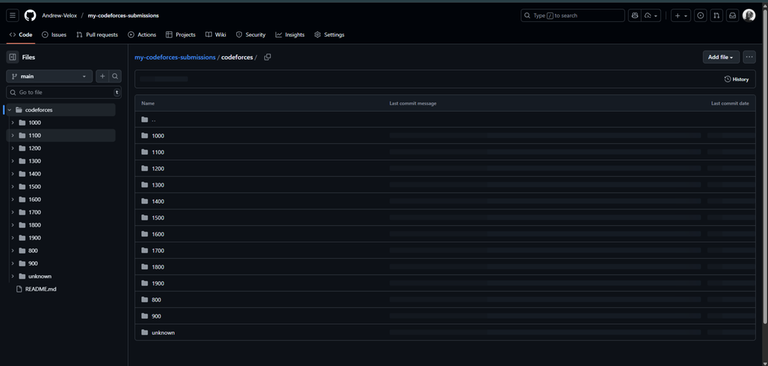
  • A Codeforces folder with rating-wise subfolders.
  • Each rating folder has its own README showing the problems you solved in that rating.

Usage:

  1. Get API Keys: Go to Codeforces Settings API and generate your keys.
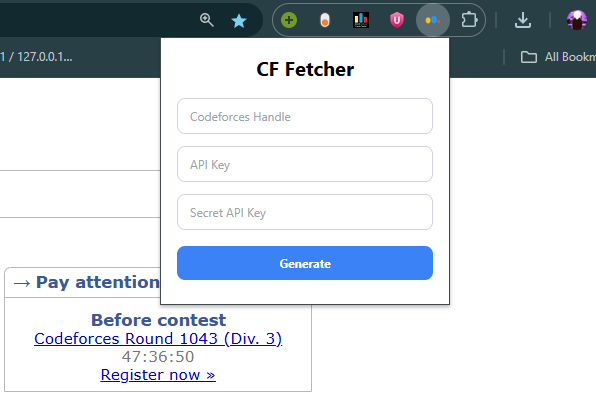
  2. Open Extension: Click the CF Fetcher icon in your browser.
  3. Enter Details: Add your handle, API key, and secret key.
  4. Generate: Click Generate to create your ZIP file.
  5. Download: The file will download automatically.
  6. Unzip: Extract the contents of the ZIP file.
  7. Upload: Upload the extracted files to your GitHub repository.

This way, your progress is more organized and easier to track.

It’s still quite basic. If you notice bugs or have suggestions, please let me know! And if anyone wants to contribute or improve it, that would honestly make me really happy

Chrome Webstore: CF Fetcher

GitHub Repo: Codeforces-Submission-Fetcher-Extension

Demo Video

screenshot 1
screenshot 2
screenshot 3
screenshot 4
screenshot 5

Full text and comments »

  • Vote: I like it
  • +7
  • Vote: I do not like it